Release Note Highlights - Nudgis 14.0.0
This article details the functional enhancements in Nudgis 14.0.0. Please refer to the full release note that you have received by email for the full list of changes.
🏠 New Homepages: the New Standard
The new homepage system is moving out of its beta phase to become the default configuration for all Nudgis platforms.
Automatic migration: From version 14.0.0, all platforms will switch to this more modern and flexible interface.
⚠️ Smooth transition: If you aren't ready yet, an option in the global settings (bottom of the page) still allows you to revert to the old version until version 14.1.0.

Simplified Customization
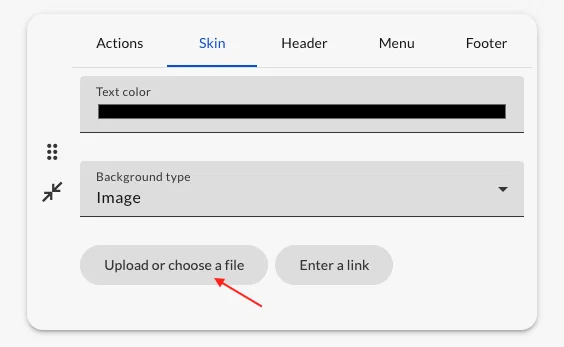
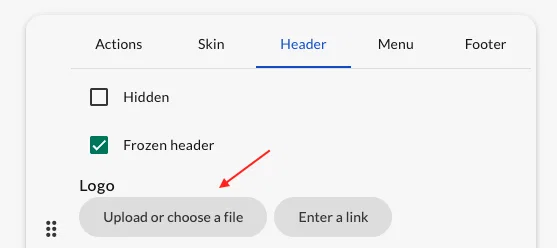
Adding logos and background images can now be done directly through file selection, eliminating complex manual steps. However, it is still possible to use image links for more advanced use cases.
Homepage Templates
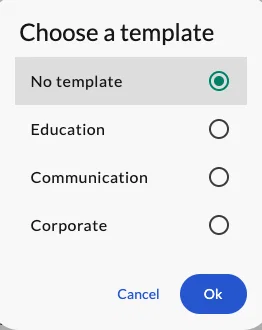
Three new customizable templates are now available. Each model is designed to meet a specific use case, saving you valuable time:
- Education 🎓
- Communication 🍿
- Corporate 🏢
[14.0] Page d'accueil WebTV / WebTV homepage template
L'idée est de proposer une page webTV sans menu latéral visible (juste le menu hamburger), en pleine largeur avec des chaines ou des médias définis. The concept is to create a webTV page with a hidden sidebar menu (showing only a hamburger menu icon), displaying content in full width with predefined channels or medias.
1
New Widget: Video Player with Media List
Nudgis introduces a new "Video Player" widget to enrich the viewing experience. The goal is to keep viewers engaged by delivering a streaming-like experience.
- Integrated navigation: Viewers can now browse a content playlist directly beneath the video currently playing.
- Educational continuity: Ideal for training courses divided into multiple chapters.
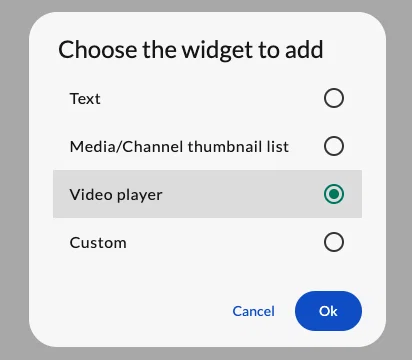
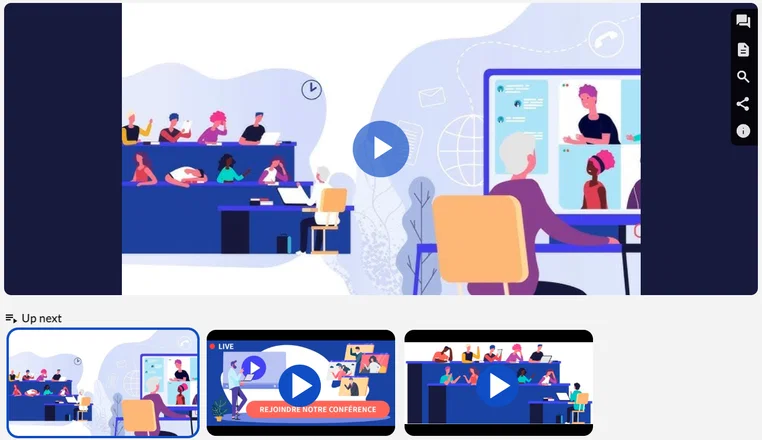
NB - You can also integrate images, photos, or even entire channels into this playlist.
💬 More Intuitive Subtitle Management
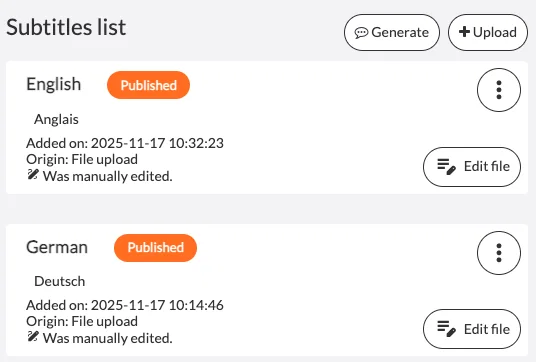
The subtitle editing interface has been redesigned to simplify the most frequent actions:
- Centralized "Generate" Button: Creating subtitles via automatic translation is now grouped under a single, much more visible button.
- Clearer Actions: The "Add" button has been renamed to "Upload" to remove any ambiguity regarding the upload of external files.
🎙️ [BETA] "Audio Only" Mode for WebStudio
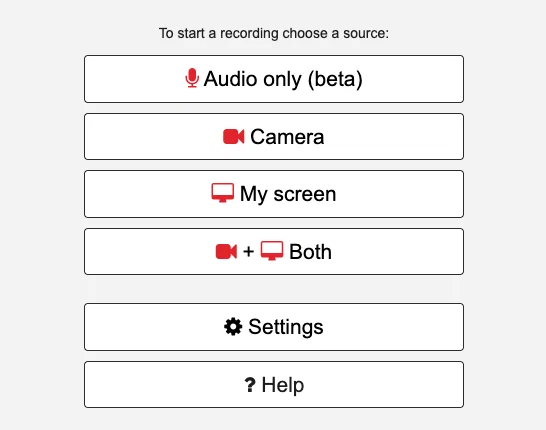
WebStudio is opening up to new creative formats with the arrival of audio mode.
- Targeted Recording: Choose the "Audio only" source for your audio content by selecting your preferred sound output.
- Sound Control: A large-format level meter is displayed during recording to ensure perfect sound capture.
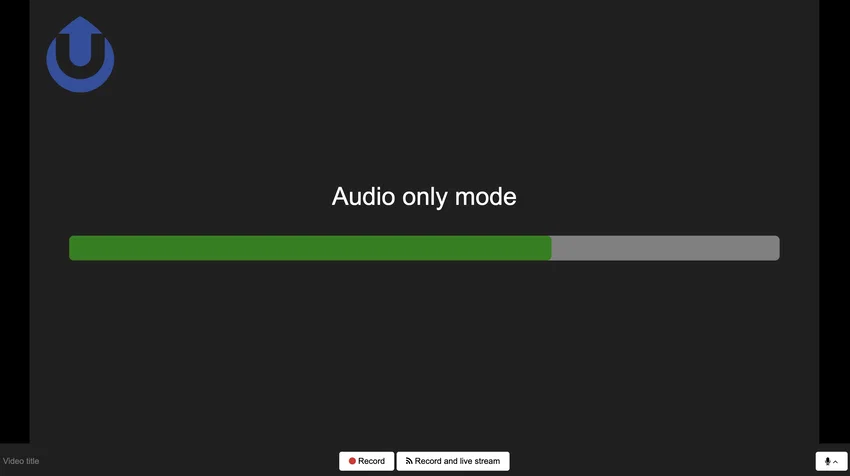
NB - This feature is currently in beta, so don’t hesitate to share your feedback!
[14.0][Webstudio] Mode enregistrement audio / Audio-only recording mode
Dans le WebStudio, ajout d'un mode d'enregistrement avec l'audio uniquement. Le fonctionnement est identique aux autres enregistrements (webcam /écran), sans le Live. Added audio-only recording mode to WebStudio. It works identically to existing recording options (webcam/screen), excluding the Live feature.
0
🇮🇹 Italian on Nudgis
The Nudgis interface is now available in Italian, bringing the total number of natively supported languages to seven.
[14.0] Interface Nudgis en italien / Nudgis UI in italian
Ajout de la langue italienne pour l'interface de Nudgis. Adding "Italian" as a new interface language for Nudgis.
0